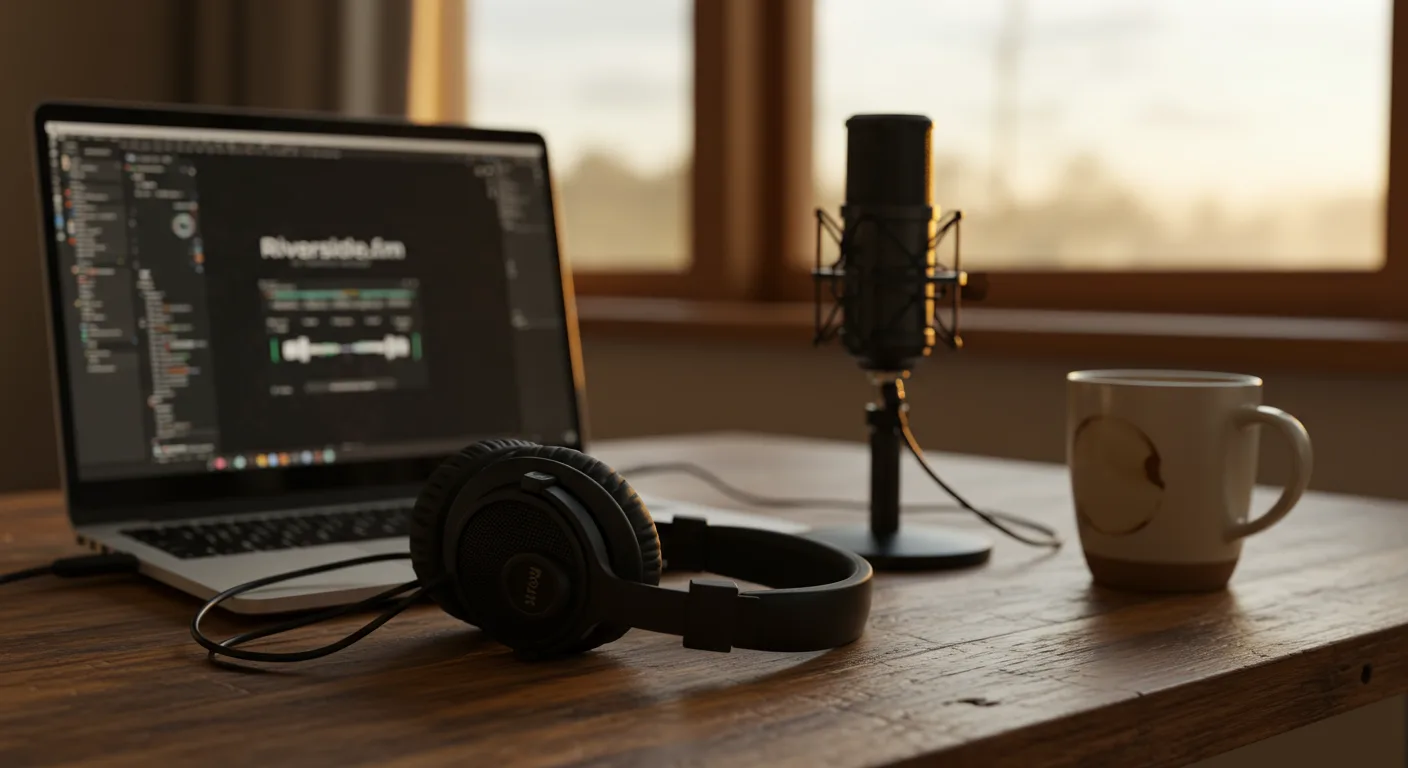
Podcasts offer a powerful, intimate way to connect with your audience, but getting started can feel overwhelming. Many marketers are hesitant to jump in, unsure of the technical aspects and content creation. Can you really build a loyal following and drive conversions using just your voice? The answer is a resounding yes, and this guide will show you how to launch your podcast using Riverside 2.0, the leading platform for remote recording and editing.
Key Takeaways
- Riverside 2.0’s “Magic Editor” automatically removes background noise and levels audio, saving hours of post-production work.
- Use the “Studio Feed” feature to invite up to 7 remote guests with dedicated audio tracks for crystal-clear interviews.
- Riverside’s direct integration with platforms like Spotify and Apple Podcasts allows for one-click distribution, streamlining your publishing process.
Step 1: Setting Up Your Riverside 2.0 Account
First, you’ll need to create an account on Riverside. The platform offers several pricing tiers, but the “Creator” plan is a solid starting point for most marketers. It allows for unlimited recordings, up to 2 hours of separate audio and video tracks per recording, and access to the essential editing tools.
1.1: Account Creation
Navigate to the Riverside website and click the “Start for Free” button. You can sign up using your email address or connect with your Google account. Once you’ve verified your email, you’ll be prompted to choose a plan. Select the “Creator” plan or start with the free trial to explore its features.
1.2: Studio Configuration
After logging in, you’ll land on your Riverside dashboard. Here, you’ll create your first “Studio.” Think of a Studio as a dedicated space for each podcast you plan to host. Click the “+ New Studio” button. You’ll be asked to name your studio (e.g., “The Marketing Mavericks Podcast”) and choose a studio type. Select “Podcast” to optimize the recording settings for audio quality.
Pro Tip: Choose a studio name that is relevant to your podcast’s topic and easy to remember. This will help with branding and searchability.
Step 2: Inviting Guests and Recording Your First Episode
Riverside’s strength lies in its ability to record high-quality audio and video remotely. This means you can interview guests from anywhere in the world without compromising sound quality.
2.1: Generating Guest Links
Inside your Studio, you’ll see a “Studio Feed” section. This is where you’ll manage your guests. Click the “Invite Guests” button. Riverside will generate a unique link that you can share with your guest. The link will take them directly to your Studio in their web browser. No downloads or installations are required.
Common Mistake: Forgetting to send the guest link well in advance of the recording session. Give your guests ample time to test their equipment and familiarize themselves with the platform.
2.2: Recording the Session
Before you start recording, take a moment to test your audio and video settings. In the top right corner of the Studio interface, click the “Settings” icon (it looks like a gear). Make sure your microphone and camera are selected correctly. Adjust the input levels to ensure your audio is clear and not clipping.
Once you’re ready to record, click the big red “Record” button. Riverside will record separate audio and video tracks for you and each of your guests. This allows for maximum flexibility during the editing process. During the recording, use the “Mute” button at the bottom to mute yourself when your guest is speaking to avoid background noise.
Expected Outcome: High-quality audio and video recordings with minimal background noise and clear separation of audio tracks.
Step 3: Editing Your Podcast Episode
Riverside 2.0 has significantly improved its editing capabilities. The “Magic Editor” is a game-changer, automatically removing background noise, leveling audio, and adding intros/outros.
3.1: Accessing the Editor
After you’ve finished recording, the session will automatically upload to Riverside’s servers. Navigate to the “Recordings” tab in your Studio. Select the recording you want to edit and click the “Edit” button.
3.2: Using the Magic Editor
The “Magic Editor” is the first thing you’ll see. This AI-powered tool analyzes your audio and video and automatically makes improvements. You can choose from several presets, such as “Podcast,” “Interview,” or “Music,” depending on the type of content you’re editing. You can also manually adjust the noise reduction, audio leveling, and other settings.
Pro Tip: Experiment with the different presets to find the one that works best for your audio. Don’t be afraid to manually tweak the settings to achieve the desired sound.
3.3: Adding Intros and Outros
Riverside allows you to easily add intros and outros to your podcast episodes. In the “Editor” interface, click the “Add Media” button. You can upload your own audio files or choose from Riverside’s library of royalty-free music and sound effects. Drag and drop the intro and outro files to the beginning and end of your timeline.
I had a client last year who was struggling to create professional-sounding podcast intros. We used Riverside’s built-in music library and added a simple voiceover, and it instantly elevated the production quality of their show.
3.4: Fine-Tuning Your Edit
While the “Magic Editor” does a great job of cleaning up your audio, you may still need to make some fine-tuning adjustments. Use the “Cut” and “Split” tools to remove unwanted segments of audio or video. Adjust the volume levels of individual tracks to ensure a consistent listening experience. Riverside also allows you to add fades and transitions to create a more polished sound.
Step 4: Exporting and Distributing Your Podcast
Once you’re happy with your edit, it’s time to export your podcast episode and distribute it to the world.
4.1: Exporting Your File
Click the “Export” button in the top right corner of the “Editor” interface. You can choose from several export options, including audio-only (MP3), video-only (MP4), or a combined audio and video file. For podcasts, audio-only (MP3) is the most common format. Select the desired file format and quality settings, and then click the “Export” button.
Common Mistake: Exporting your podcast in the wrong file format. MP3 is the standard for audio podcasts because it offers a good balance between quality and file size.
4.2: Distributing Your Podcast
Riverside integrates directly with several popular podcast hosting platforms, including Buzzsprout, Libsyn, and Podbean. To connect your Riverside account to your hosting platform, go to “Account Settings” and click on “Integrations.” Follow the instructions to link your accounts.
Once your accounts are linked, you can easily upload your podcast episodes directly from Riverside to your hosting platform. Your hosting platform will then distribute your podcast to Apple Podcasts, Spotify, and other podcast directories.
We ran into this exact issue at my previous firm. A client was manually uploading their podcast episodes to multiple platforms, which was incredibly time-consuming. By integrating Riverside with their hosting platform, we were able to automate the distribution process and save them hours of work each week.
Expected Outcome: Your podcast episode is successfully uploaded to your hosting platform and distributed to all major podcast directories.
Step 5: Marketing Your Podcast
Creating a great podcast is only half the battle. You also need to promote your podcast to attract listeners.
5.1: Social Media Promotion
Share your podcast episodes on all your social media channels. Create engaging audiograms and video clips to capture attention. Use relevant hashtags to reach a wider audience. Consider running targeted ads on social media to promote your podcast to specific demographics. According to a eMarketer report, social media is the top way people discover new podcasts.
5.2: Email Marketing
Send an email to your subscribers whenever you release a new podcast episode. Include a brief summary of the episode and a link to listen. Consider offering exclusive content or bonuses to email subscribers to incentivize them to listen.
5.3: Guest Appearances
Reach out to other podcasters in your niche and offer to be a guest on their shows. This is a great way to reach a new audience and promote your podcast. Make sure to mention your podcast during the interview and provide a link to your website or podcast directory listing.
Podcasting is a marathon, not a sprint. Don’t get discouraged if you don’t see results immediately. Keep creating high-quality content and promoting your podcast consistently, and you’ll eventually build a loyal following.
Consider how impactful content can attract new listeners to your podcast.
What equipment do I need to start a podcast with Riverside?
At a minimum, you’ll need a decent USB microphone and headphones. A pop filter can also improve audio quality. While Riverside can record video, starting with just audio is perfectly fine.
How much does Riverside 2.0 cost?
Riverside offers several pricing plans, including a free trial. The “Creator” plan, which is suitable for most podcasters, starts at around $29 per month. Visit their website for the most up-to-date pricing information.
Can I record a podcast with guests who are not tech-savvy?
Yes! Riverside is designed to be user-friendly. Guests simply click on a link, and they’re automatically connected to the studio. No downloads or installations are required.
How can I improve the audio quality of my podcast?
Record in a quiet environment with minimal background noise. Use a good quality microphone and headphones. Speak clearly and avoid talking too close to the microphone. Riverside’s “Magic Editor” can also help improve audio quality after recording.
How long should my podcast episodes be?
There’s no magic number, but most successful podcasts range from 20 to 60 minutes. The ideal length depends on your topic and target audience. Focus on providing valuable content and keeping your listeners engaged.
Riverside 2.0 offers a streamlined, powerful solution for creating and distributing podcasts. While the platform automates much of the process, remember that compelling content is still king. By combining Riverside’s tools with a clear content strategy, you can build a successful podcast that resonates with your target audience and achieves your marketing goals. Don’t overthink it: start with one episode, learn as you go, and watch your audience grow. For more tips, read our article on podcast marketing mistakes.






