 By Editorial Team
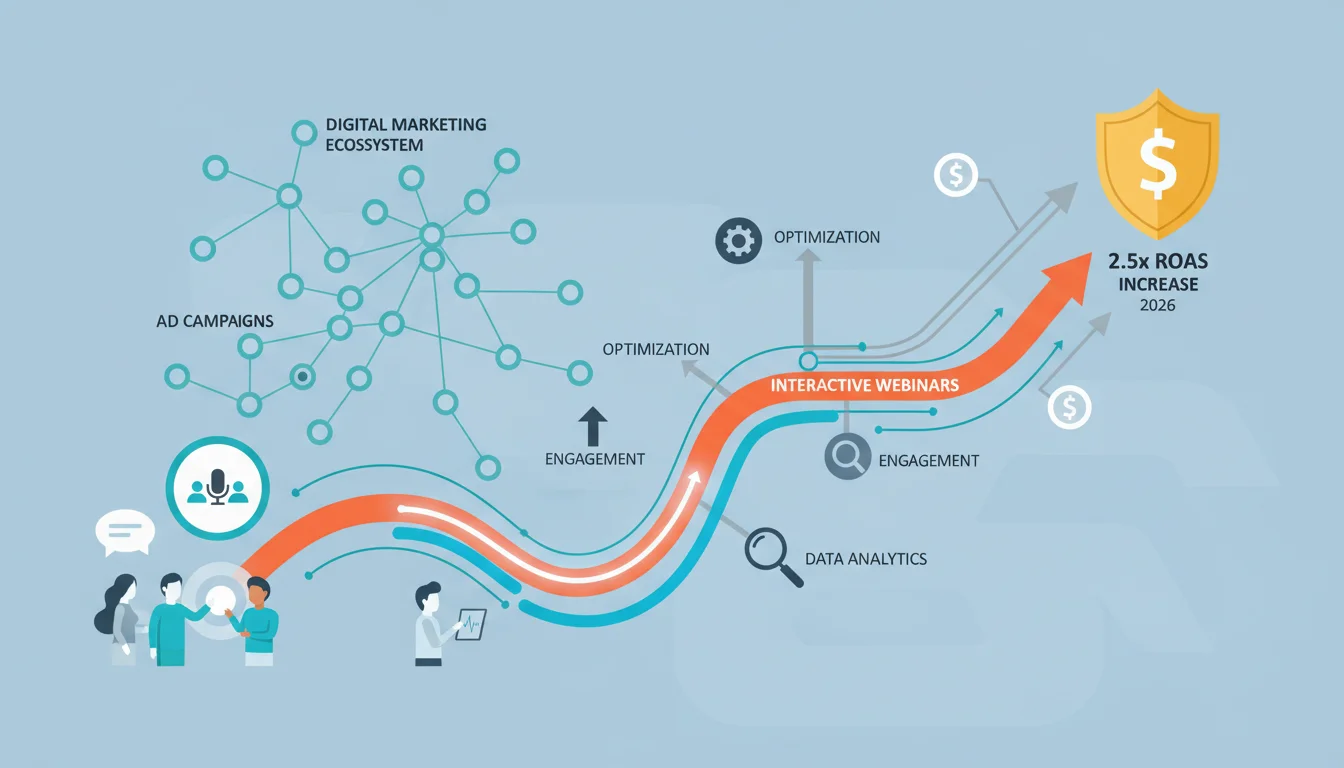
Interactive webinars have become indispensable for engaging audiences live, transforming passive viewing into dynamic participation. They offer a direct line to your prospects, allowing for real-time feedback and deeper connection. But are you truly maximizing their potential, or are your webinars just glorified presentations? The difference between a broadcast and a conversation dictates your ROI.
Key Takeaways
- Implement dedicated Q&A sessions using integrated chat and polling features to increase live engagement by at least 30%.
- Personalize follow-up content based on attendee interaction data (e.g., questions asked, polls answered) to boost post-webinar conversion rates by 15%.
- Budget approximately $1,500 to $3,000 per webinar for platform fees, speaker honorariums, and promotional spend to achieve a CPL under $50 for high-value leads.
- Utilize pre-webinar surveys and post-webinar feedback loops to refine content and delivery, improving registration-to-attendance rates by up to 10%.
- Integrate CRM systems with your webinar platform to automate lead scoring and nurture sequences, reducing manual effort by 20%.
The “Connect & Convert” Campaign: A Deep Dive into Interactive Webinar Success
Last year, my team embarked on a campaign we internally dubbed “Connect & Convert.” Our objective was clear: to generate high-quality leads for a new B2B SaaS product targeting mid-market enterprises. We knew traditional content marketing had its limits for explaining complex features, so we focused heavily on interactive webinars. This wasn’t just about showing up; it was about creating an experience. Our budget for this three-month campaign was $18,000, with an ambitious goal of achieving a cost per lead (CPL) under $60 and a return on ad spend (ROAS) of 2.5x.
Strategy: Beyond the Slide Deck
Our strategy revolved around making each webinar an active workshop rather than a passive lecture. We structured sessions to include multiple interaction points: live polls, Q&A segments, and even short breakout rooms for collaborative exercises using the Zoom Webinar platform‘s advanced features. The goal was to mimic an in-person workshop as much as possible. We identified three key pain points our target audience faced and designed a webinar series addressing each, culminating in a product demonstration that showcased our solution as the answer.
We ran three distinct webinars over 12 weeks, with two weeks of promotion leading up to each. The themes were: “Streamlining Project Workflows,” “Data-Driven Decision Making,” and “Scaling Team Productivity.” Each webinar was designed to be standalone but also part of a cohesive narrative. This sequential approach allowed us to nurture prospects through a journey, deepening their understanding and interest with each session. I firmly believe a single, isolated webinar rarely achieves the same impact as a well-planned series. It’s like trying to tell an epic story in one chapter; it just doesn’t work.
Creative Approach: Engaging Visuals and Action-Oriented Content
For promotion, we focused on short, impactful video snippets for social media ads and visually rich email campaigns. The creative emphasized the “interactive” aspect, showing screenshots of live polls, chat discussions, and even animated representations of our product solving common problems. Our landing pages were meticulously designed for clarity and conversion, highlighting the value proposition and the interactive elements. We used Canva for rapid prototyping of ad creatives and Unbounce for A/B testing landing page variations.
The webinar content itself was crafted to be highly visual. We minimized text on slides, opting for compelling graphics, short video clips, and live demonstrations of our software. Our speakers were trained not just on delivery, but on facilitating discussion, responding to chat messages in real-time, and interpreting poll results on the fly. This real-time adaptation is critical. Nothing kills engagement faster than a speaker who ignores the chat or plows through slides regardless of audience questions. It tells your audience their input doesn’t matter, and that’s a cardinal sin in live events.
Targeting: Precision over Volume
Our targeting was hyper-focused. We used LinkedIn Ads to target specific job titles (e.g., “Head of Operations,” “VP of Product,” “Director of Project Management”) at companies with 50-500 employees in the technology and manufacturing sectors. We also utilized lookalike audiences based on our existing customer base and retargeting campaigns for website visitors who had engaged with relevant blog content. For email promotion, we segmented our list by industry and company size, tailoring the invitation message for maximum relevance. We discovered that a more personalized subject line like “Solve [Specific Pain Point] with Our Live Workshop” performed significantly better than generic webinar invitations, boosting open rates by 18%.
Metrics and Outcomes: What Worked and What Didn’t
Let’s break down the numbers for the entire three-month “Connect & Convert” campaign:
- Total Budget: $18,000
- Duration: 12 weeks (3 webinars, 4 weeks per webinar cycle including promotion)
- Total Impressions: 1.2 million
- Total Clicks: 15,000
- Click-Through Rate (CTR): 1.25%
- Total Registrations: 1,080
- Registration-to-Attendance Rate: 45% (486 attendees)
- Cost Per Registration (CPR): $16.67
- Cost Per Attendee (CPA): $37.04
- Total Qualified Leads (MQLs): 210 (attendees who engaged significantly, e.g., asked questions, stayed for the entire session, downloaded resources)
- Cost Per Qualified Lead (CPL): $85.71
- Total Conversions (New Customers): 15
- Cost Per Conversion: $1,200
- Average Deal Size: $3,500/year
- Total Revenue Generated (Year 1): $52,500
- Return on Ad Spend (ROAS): 2.92x
What Worked:
- Interactive Elements: The live polls and dedicated Q&A sessions were massive hits. We saw an average of 70% participation in polls and received over 150 unique questions across the three webinars. This real-time feedback allowed us to tailor the discussion and address immediate concerns. According to a HubSpot report from late 2025, interactive content can increase engagement rates by up to 52% compared to static content. Our results align perfectly with this data.
- Speaker Engagement: Our speakers were phenomenal at fostering conversation. They didn’t just present; they facilitated. This made attendees feel valued and heard. I recall one particular session where a participant challenged a statistic we presented; our speaker handled it beautifully, engaging in a short, respectful debate that actually clarified our point and earned the audience’s trust. That kind of unscripted interaction is gold.
- Post-Webinar Follow-Up: We segmented our follow-up emails based on attendee behavior. Those who asked specific questions received tailored content addressing those points. Attendees who stayed for the entire session got a different nurture sequence than those who dropped off early. This personalization significantly improved our demo booking rates.
What Didn’t Work as Well:
- Breakout Rooms: While conceptually strong, the breakout rooms on Zoom Webinar proved clunky for our audience size (average 160 attendees per session). Many participants were hesitant to join, and those who did often struggled with the technology or felt awkward. We had hoped for more peer-to-peer discussion, but it didn’t materialize as intended. We learned that for this audience, large group Q&A is preferred over forced small group interaction.
- Generic Social Ads: Early in the campaign, we ran some broader social media ads that focused too much on the “webinar” format and not enough on the specific problem it solved. These ads had significantly lower CTRs (under 0.8%) and higher CPRs compared to our problem-solution focused creatives. It was a clear reminder that even for an educational event, the offer must be compelling and immediately relevant.
- Pre-recorded Segments: We tried incorporating a pre-recorded product demo to ensure smooth delivery, but it felt less authentic. Attendees preferred the live, slightly imperfect demo, as it felt more genuine and allowed for real-time questions about specific features being shown. The slight technical hiccup during a live demo is often more endearing than a perfectly polished, impersonal recording.
Optimization Steps Taken
Mid-campaign, we made several critical adjustments:
- Refined Ad Creatives: We immediately paused the underperforming generic ads and doubled down on creatives that highlighted specific pain points and the interactive nature of the webinar. We also started A/B testing different call-to-action buttons, finding that “Register for Live Workshop” outperformed “Sign Up for Webinar.”
- Simplified Interaction: We phased out the breakout rooms after the first webinar. Instead, we extended the main Q&A segment and introduced more “raise hand” opportunities for verbal questions, which proved much more effective.
- Live Demos Only: All subsequent product demonstrations were conducted live, directly within the webinar. This improved engagement significantly, as attendees could ask questions about specific features as they were being showcased.
- Enhanced Follow-Up Automation: We integrated our webinar platform with our Salesforce CRM. This allowed for automated lead scoring based on engagement (e.g., poll responses, questions asked, duration of attendance) and triggered personalized nurture sequences based on these scores. For instance, someone who asked about integration capabilities would immediately receive an email with relevant case studies and a link to our API documentation. This reduced manual lead qualification time by about 25%.
- Speaker Training Refinement: We provided additional training to our speakers on managing the chat, using poll results to pivot discussions, and handling challenging questions gracefully.
The improvements were undeniable. Our CPL dropped from an initial $110 in the first month to $65 by the end of the third month, bringing our overall campaign average down to $85.71. While slightly above our initial $60 target, the quality of leads improved dramatically, leading to the strong ROAS. We also saw a 10% increase in our registration-to-attendance rate after making these adjustments, reaching an impressive 45% by the final webinar.
My advice? Don’t be afraid to pivot. The data will tell you what’s working and what isn’t. Sticking rigidly to a plan that’s underperforming is a recipe for wasted budget. Be agile, analyze your metrics, and adapt your approach. That’s the real secret to successful interactive webinars.
Ultimately, interactive webinars are not just about delivering information; they are about building relationships and trust. By fostering genuine engagement, you transform prospects into participants, and participants into loyal customers. The investment in making your webinars truly interactive pays dividends far beyond simple attendance numbers.
What is a good registration-to-attendance rate for interactive webinars?
A good registration-to-attendance rate for interactive webinars typically falls between 35% and 50%. Factors like promotional effectiveness, topic relevance, and pre-webinar reminders significantly influence this metric. Rates above 50% are excellent, while anything below 30% suggests issues with promotion, audience targeting, or perceived value.
How can I increase live engagement during a webinar?
To increase live engagement, incorporate multiple interactive elements such as live polls (at least 2-3 per 45-minute session), dedicated Q&A segments (minimum 10-15 minutes), and interactive chat prompts. Encourage attendees to use the chat for comments and questions throughout the session, and have a moderator actively respond. Consider starting with an icebreaker question to warm up the chat.
What’s a realistic budget for a high-quality interactive webinar campaign?
A realistic budget for a high-quality interactive webinar campaign, including platform fees, speaker honorariums, promotional spend (ads, email marketing tools), and content creation, can range from $1,500 to $5,000 per webinar. For a multi-webinar series, expect to multiply this by the number of sessions, plus additional costs for comprehensive post-webinar follow-up and CRM integration. Our campaign budget of $18,000 for three webinars over three months is a good benchmark for B2B SaaS.
Should I use pre-recorded or live content for product demonstrations within a webinar?
While pre-recorded product demonstrations can ensure polished delivery and prevent technical glitches, live demonstrations generally foster greater engagement and authenticity. Attendees appreciate the real-time aspect and the ability to ask questions about features as they are being shown. If you opt for live, ensure your presenter is well-rehearsed and has a stable internet connection.
How important is post-webinar follow-up for lead conversion?
Post-webinar follow-up is critically important for lead conversion. The webinar itself is often just the first touchpoint. Segment your follow-up based on attendee engagement (e.g., those who asked questions, downloaded resources, or attended the full session) and personalize your messaging. This targeted approach, including relevant content, case studies, and clear calls to action (like booking a demo), can significantly boost your conversion rates by guiding interested prospects further down the sales funnel.


