 By Editorial Team
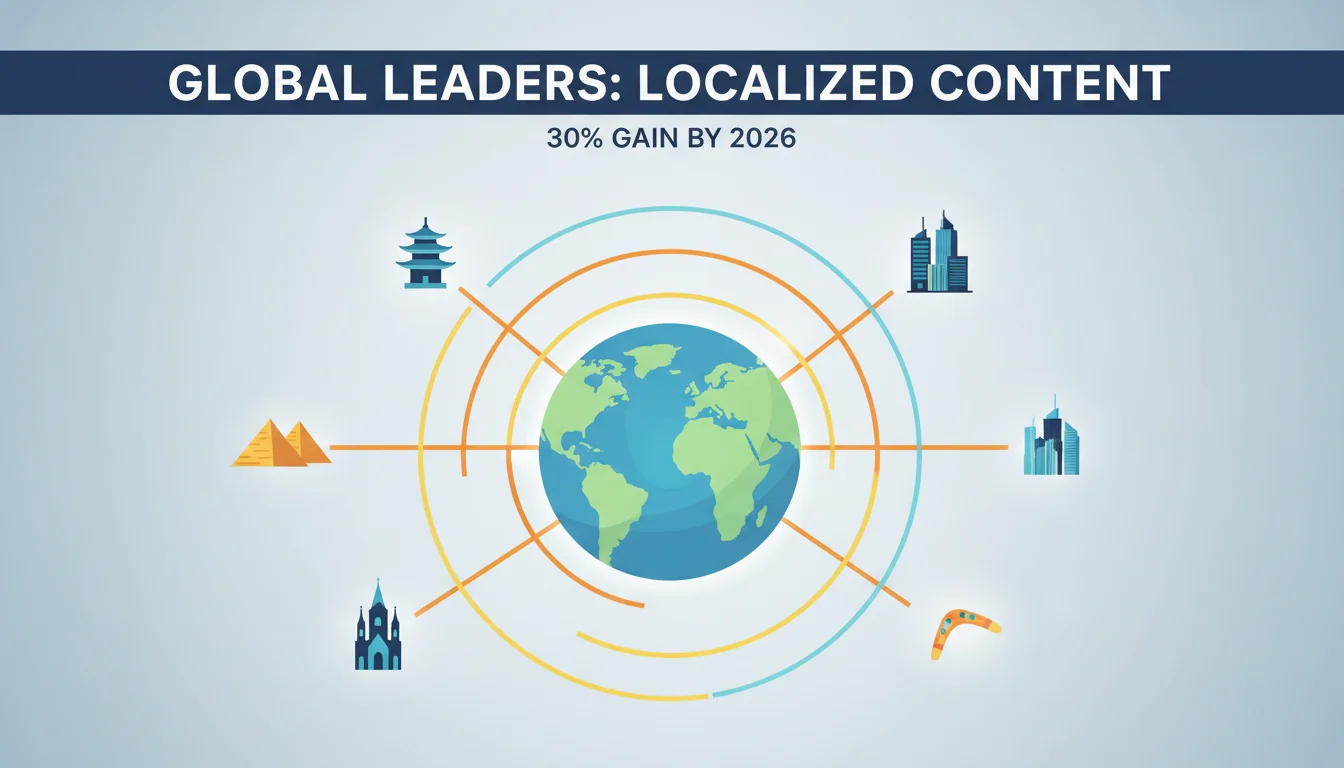
Achieving true global market penetration demands more than just translation. It requires careful content localization that respects cultural nuances and regional preferences. For global leaders, adapting marketing messages for specific markets is not an option, but a strategic imperative that directly impacts conversion rates and brand perception. How do you implement this systematically and at scale?
Key Takeaways
- Configure your content management system (CMS) to support multiple language variants for each content asset, ensuring a clear taxonomy for localized versions.
- Integrate a Translation Management System (TMS) like Smartling or Lokalise directly with your CMS to automate the content hand-off and retrieval processes, reducing manual errors by up to 30%.
- Establish complete style guides and glossaries for each target market, detailing tone, terminology, and cultural sensitivities to maintain brand consistency globally.
- Implement a continuous localization workflow where content updates trigger automated translation requests, allowing new content to go live in all targeted languages within 48 hours.
- Use A/B testing platforms such as Optimizely or Google Optimize 360 to measure the performance of localized content variants and iterate based on real user engagement data.
Step 1: Architecting Your CMS for Global Content
Before any translation begins, your content infrastructure must be ready. Many organizations stumble here, treating localization as an afterthought rather than a core architectural principle. This leads to fractured workflows and inconsistent messaging.
1.1 Configure Language Variants and Fallbacks
Most modern content management systems (CMS) offer strong multilingual capabilities. For example, in Sitecore XP 10.4, you navigate to the Content Editor, right-click on your primary content item (e.g., a product page), and select Versions > Add New Version. Then, from the ribbon, choose the desired language from the Language dropdown. This creates a distinct version of that content item tied to a specific language code (e.g., “en-US”, “fr-FR”, “ja-JP”). You must establish a clear fallback hierarchy. If a specific localized version isn’t available, which default language should display? This prevents broken experiences for users in smaller markets. A Sitecore report from 2024 indicated that companies with a defined fallback strategy saw a 15% reduction in content errors on their localized sites.
1.2 Implement a Structured Content Model
A structured content model, often using components or modules, simplifies localization significantly. Instead of translating entire web pages as monolithic blocks, you translate individual content components like headlines, product descriptions, or call-to-action buttons. This component-based approach within a CMS like Contentful or Sanity.io means you only translate what changes, reducing costs and accelerating deployment. For instance, a “Buy Now” button component can be translated once into 20 languages and reused across hundreds of product pages. It’s a fundamental shift from page-centric to component-centric content strategy, and it pays dividends in scalability.
Step 2: Integrating a Translation Management System (TMS)
Manual content hand-off to translation agencies is slow, error-prone, and unsustainable for global operations. A TMS automates this entire pipeline.
2.1 Connect Your CMS to the TMS
Modern TMS platforms, such as Smartling or Lokalise, offer direct connectors to popular CMS platforms. For instance, within Smartling’s dashboard, navigate to Projects > Integrations > CMS Connectors. Select your CMS (e.g., Adobe Experience Manager), enter your API keys and URL, and configure the synchronization settings. You’ll typically define which content types or sections of your CMS should be automatically pushed for translation. This integration creates a smooth bridge: content created or updated in your CMS is automatically detected by the TMS, initiating the translation workflow without human intervention.
2.2 Configure Translation Workflows and Resources
Once connected, you define translation workflows within the TMS. A typical workflow might be: Source Content > Machine Translation (MT) Pre-translation > Human Post-editing > Review > Publishing. In Smartling, go to Project Settings > Workflows and drag-and-drop the desired steps. You assign specific linguistic resources (translators, reviewers) to each language pair and workflow stage. Importantly, you can integrate Translation Memory (TM) and Terminology Management (TMG) databases. According to a 2025 GALA report, effective use of TM can reduce translation costs by 20% to 40% for recurring content, maintaining consistency across thousands of assets.
Step 3: Developing Complete Linguistic Assets
Translation without context is just word-swapping. To achieve true localization and maintain brand voice, you need strong linguistic assets.
3.1 Create Market-Specific Style Guides
A style guide goes beyond grammar rules. It dictates tone, voice, and cultural appropriateness. For each target market, develop a detailed style guide. This should cover: formal versus informal address, use of humor (which can be highly cultural), preferred phrasing for calls-to-action, and even how to handle numbers, dates, and currency. For example, a style guide for Germany might emphasize a direct, factual tone, while one for Brazil might encourage more expressive language. These guides are uploaded directly into your TMS and serve as mandatory references for all linguists working on your content.
3.2 Build and Maintain Glossaries and Termbases
Consistency in terminology is paramount, especially for technical products or industry-specific content. A glossary (or termbase) defines key brand terms, product names, and industry jargon, along with their approved translations in each target language. For instance, if your company uses “widget” as a proprietary term, your glossary will specify whether it should be translated directly, transliterated, or kept in English across different markets. In Lokalise, you can manage termbases under Projects > Glossaries, adding terms, their definitions, and approved translations. This prevents translators from inventing terms, which can confuse customers and dilute your brand message. I’ve seen companies spend years trying to undo the damage of inconsistent terminology because they neglected this step early on.
Step 4: Implementing Continuous Localization Workflows
The days of batching content for quarterly translations are over. Global markets demand agility.
4.1 Automate Content Submission and Retrieval
With your CMS and TMS integrated, set up automated triggers. When a new content piece is published in the source language (e.g., English), the TMS connector should automatically detect it and create a translation job. Similarly, once translations are complete and approved in the TMS, they should be pushed back into the correct language variant slots within your CMS. This reduces the time-to-market for localized content significantly, often from weeks to days. Consider using webhooks within your CMS to notify the TMS of content changes in real-time, enabling near-instantaneous translation requests.
4.2 Establish Review and Approval Loops
While automation handles the logistics, human oversight remains vital. Your continuous localization workflow must include in-country review (ICR) by native speakers who understand the local market intimately. This step catches subtle cultural missteps or awkward phrasing that even the best professional translators might miss. Within Smartling, you can configure review steps, assigning specific in-country marketing managers or product specialists to approve translations before they go live. This feedback loop also helps refine your style guides and termbases over time, improving the quality of future translations.
Step 5: Performance Measurement and Iteration
Localization isn’t a one-time project. It’s an ongoing process of refinement.
5.1 Track Localized Content Performance
Use analytics platforms like Google Analytics 4 (GA4) to monitor the performance of your localized content. Track metrics such as bounce rate, time on page, conversion rates, and goal completions for each language version of your website or app. GA4 allows you to filter data by language dimension, giving you insights into which localized versions are resonating and which are underperforming. For example, if your German product page has a significantly lower conversion rate than your French page, it suggests a problem with the German localization. A 2024 eMarketer report highlighted that companies actively measuring localized content performance saw a 10-15% uplift in regional engagement.
5.2 A/B Test Localized Content Variants
Don’t just assume your localized content is perfect. Use A/B testing platforms like Optimizely or Google Optimize 360 to test different localized headlines, calls-to-action, or even entire page layouts. For instance, you might test two different translations of a headline for your Spanish market to see which one drives more clicks. In Optimizely, create an experiment, define your target audience (e.g., users with browser language set to Spanish), and then create variations of your content. This data-driven approach allows you to iterate and continuously improve the effectiveness of your localized content, ensuring maximum impact in each market. Never rely solely on linguistic accuracy. Cultural resonance is what truly drives results.
Mastering content localization is essential for any enterprise aiming to lead on the global stage. By systematically implementing these steps, you build a scalable, efficient, and culturally intelligent content strategy that resonates deeply with diverse audiences and drives measurable results. This approach helps boost executive digital engagement and ensures your brand connects with customers worldwide. Plus, consistent personal brand metrics can help you track the success of your global outreach efforts.
What is the difference between translation and localization?
Translation is the conversion of text from one language to another, focusing purely on linguistic accuracy. Localization, however, adapts content to a specific target market’s cultural, social, and legal norms, including considerations like imagery, currencies, date formats, and even humor, to ensure it feels native to the audience.
How important are in-country reviewers in the localization process?
In-country reviewers are critically important. While professional translators ensure linguistic accuracy, in-country reviewers, who are typically native speakers living in the target market, provide important insights into cultural appropriateness, local market trends, and brand perception that even the most skilled translator might miss.
Can machine translation replace human translators for localization?
No, not entirely for high-stakes or marketing content. Machine translation (MT) has advanced significantly and can provide quick, cost-effective initial drafts, especially for large volumes of technical content. However, for nuanced marketing messages, brand voice, and cultural sensitivity, human post-editing and review remain indispensable to achieve true localization quality.
What are the common pitfalls to avoid when localizing content?
Common pitfalls include treating localization as a one-off project rather than an ongoing process, neglecting to build complete style guides and glossaries, failing to integrate CMS with TMS, and skipping the important in-country review step. Also, a significant error is not measuring the performance of localized content to iterate and improve.
How does content localization impact SEO?
Content localization significantly impacts SEO by allowing your content to rank in local search results. By translating keywords, optimizing meta descriptions for local search intent, and adapting content for regional relevance, you can improve visibility and organic traffic from specific geographic markets, leading to higher conversion rates.


